Snap it and you're done
The shoebox, sorted for you.
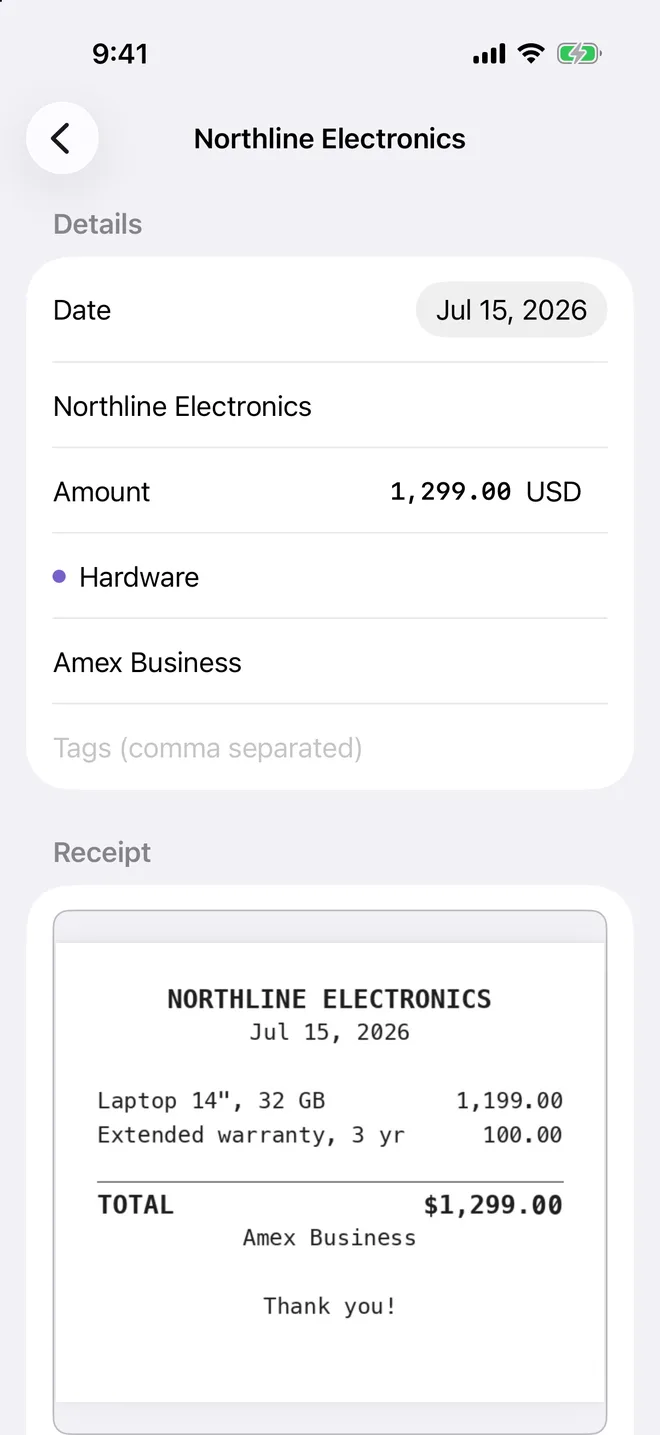
Scan a paper receipt with your camera, pick one from Photos, share a PDF from Mail, or just drop a file into the folder. Tallybook turns it into a clean PDF, reads it, and fills in the details for you to check. You tap Save.
- Read on your device — Apple's on-device text recognition and model do the reading. Your receipts are never sent anywhere to be read.
- It won't invent a number — if the total it finds isn't actually printed on the receipt, it leaves the amount blank for you to type.
- Filed by the receipt's date — not the day you got around to it. July's receipt lands in July.
Auto-fill uses Apple Intelligence where your iPhone, iPad or Mac supports it. Without it, Tallybook still keeps the receipt and its text; you type the four fields.
One receipt, every category
A mixed bag, split for you.
One trip to the store is rarely one kind of thing. Tallybook reads every line on the receipt and gives each item one of your categories. When you save, it becomes one expense per category, all pointing at the same receipt.
- Your categories, not a preset list — it only chooses from the categories you've made. If none fits, the item waits for you, uncategorized, instead of being filed somewhere wrong.
- Tax is accounted for — the sales tax printed on the receipt is kept with the expense and gets its own column when you export. A split receipt shares it out by what each part cost, so every piece matches what you paid.
- Checked before it's split — every price has to be printed on the receipt, and together they have to add up to a figure printed on it too. If they don't, nothing is split.
Line items
Read from Ridgeway Supply Co., Sep 9, 2026. Change a category to see the split.
Reading line items uses Apple Intelligence, like auto-fill. You can change any item's category, or remove it, before you save.
It's just files
Your expenses are plain files.
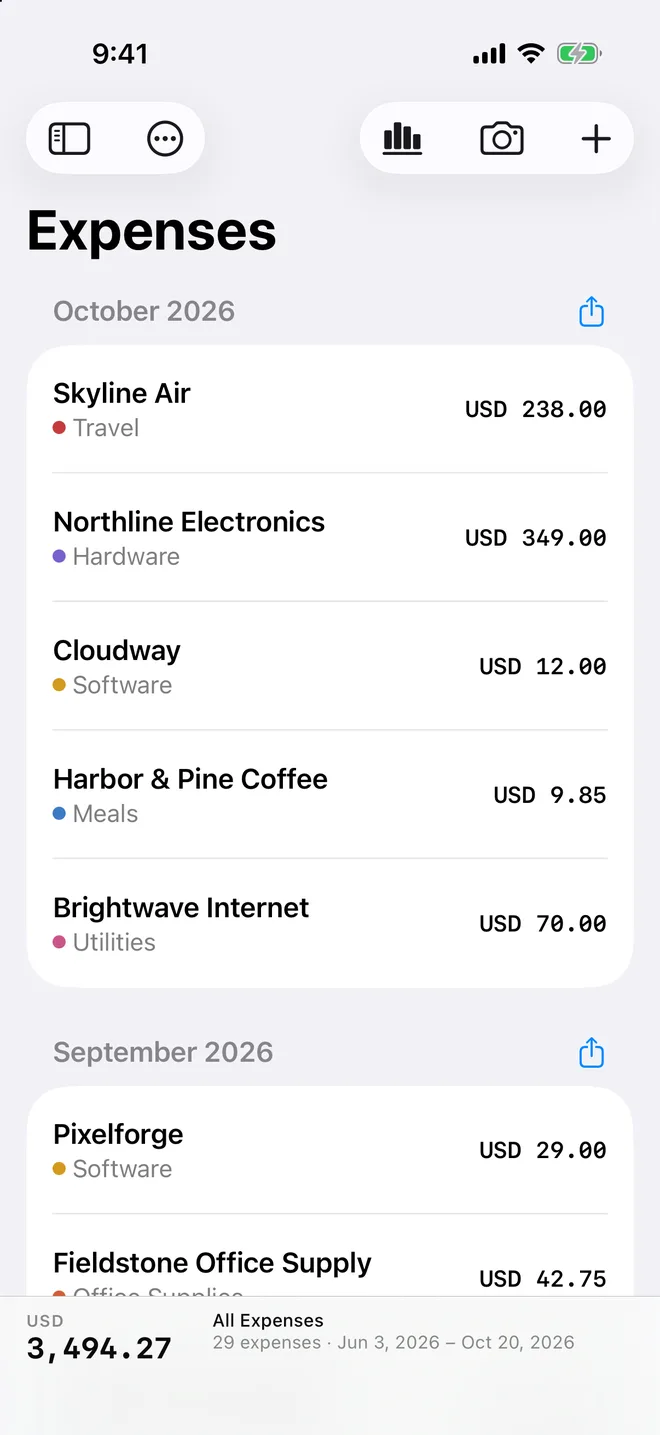
Every expense is a Markdown file, with its receipt as a PDF beside it, filed by year and month. Open them in Finder, edit them in any text editor, back them up however you like. If you ever stop using Tallybook, nothing is trapped inside it.
- Named so you can find them —
2026-07-15_Northline-Electronics.md. Two from the same shop on the same day get_2. - Your notes stay yours — what you write sits at the top. The receipt's text goes in its own section below, never mixed in.
- Your categories are a file too —
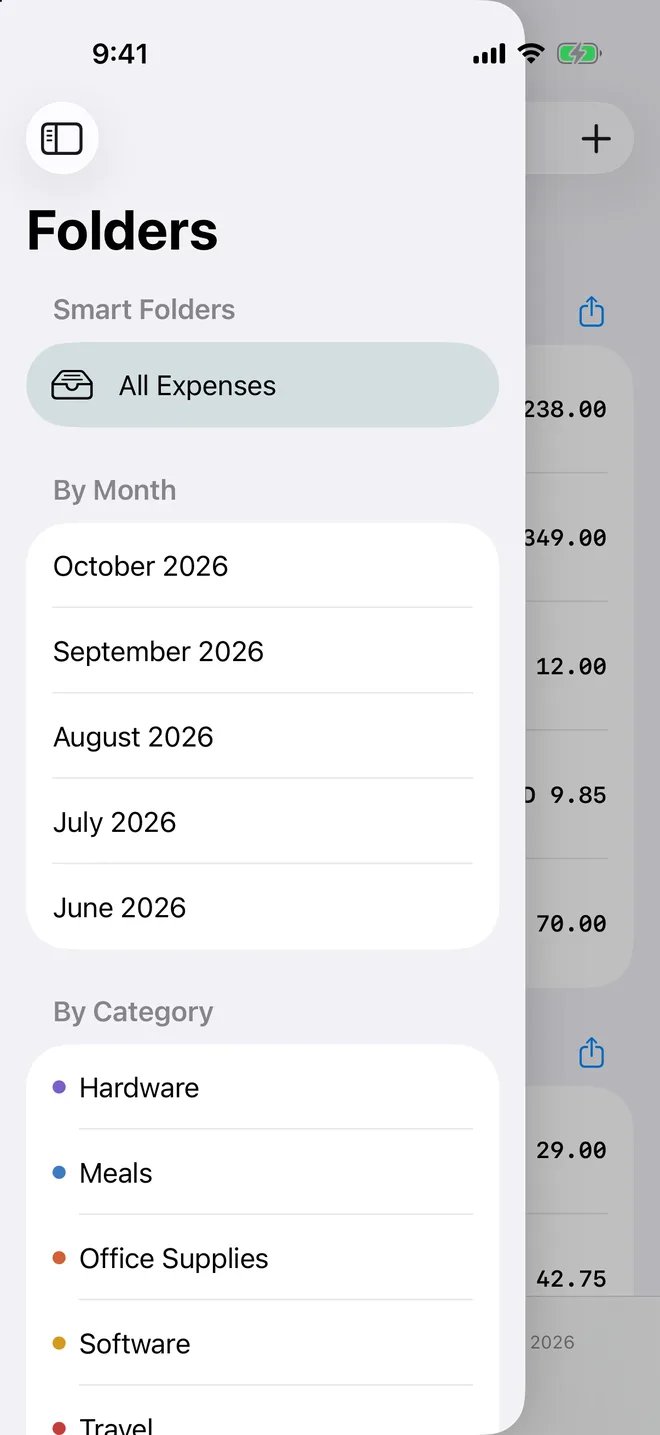
Categories.md, one per line. Add, rename or delete them from the sidebar, and a rename updates every expense that uses it.
- Opens in Obsidian — point Obsidian at the folder on your Mac. Categories become links, and every receipt shows inline.
- Tags in Finder too — on a Mac, the tags you give an expense show up as Finder tags on its file.
See where it goes
A dashboard for any slice of your year.
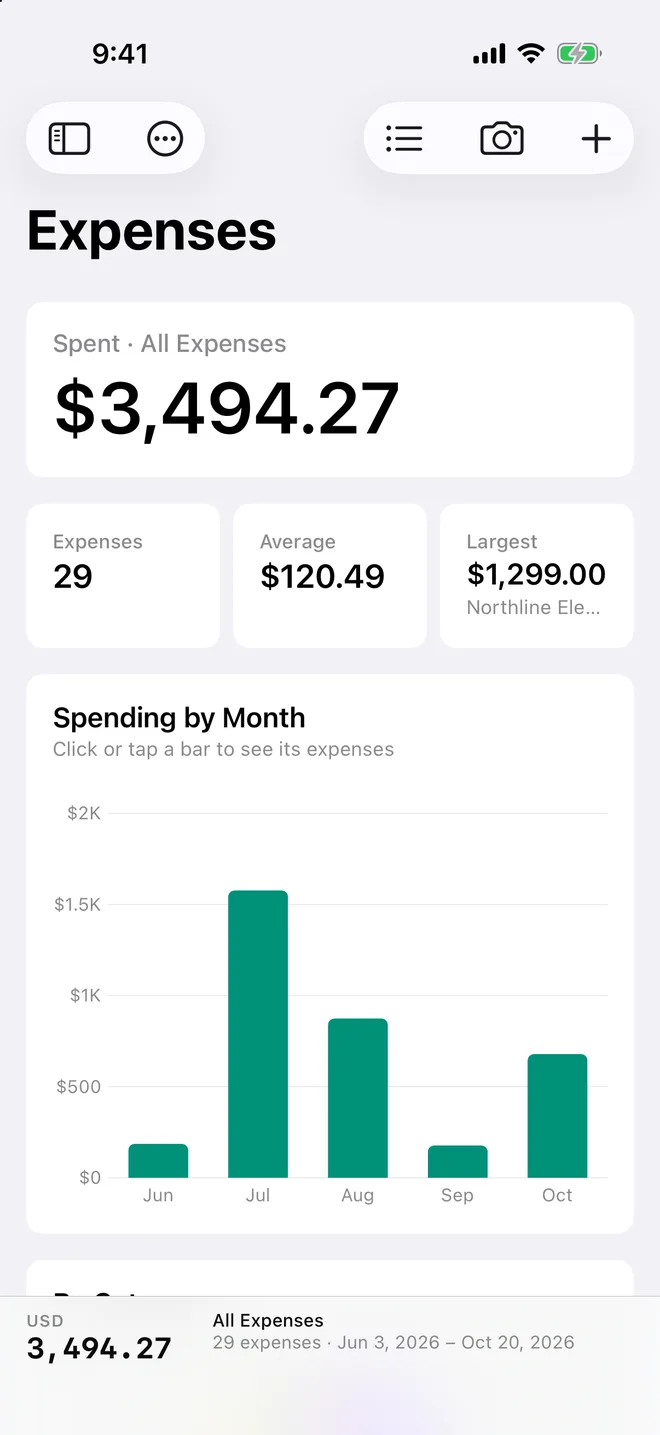
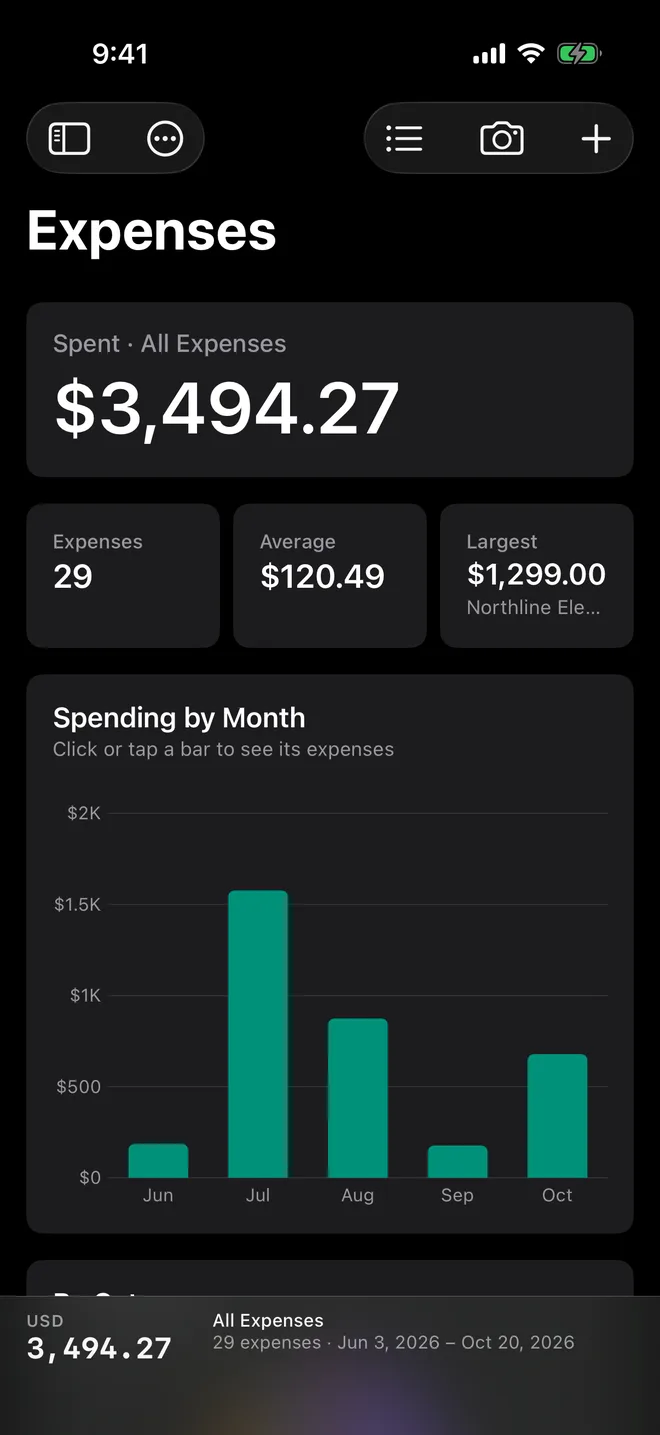
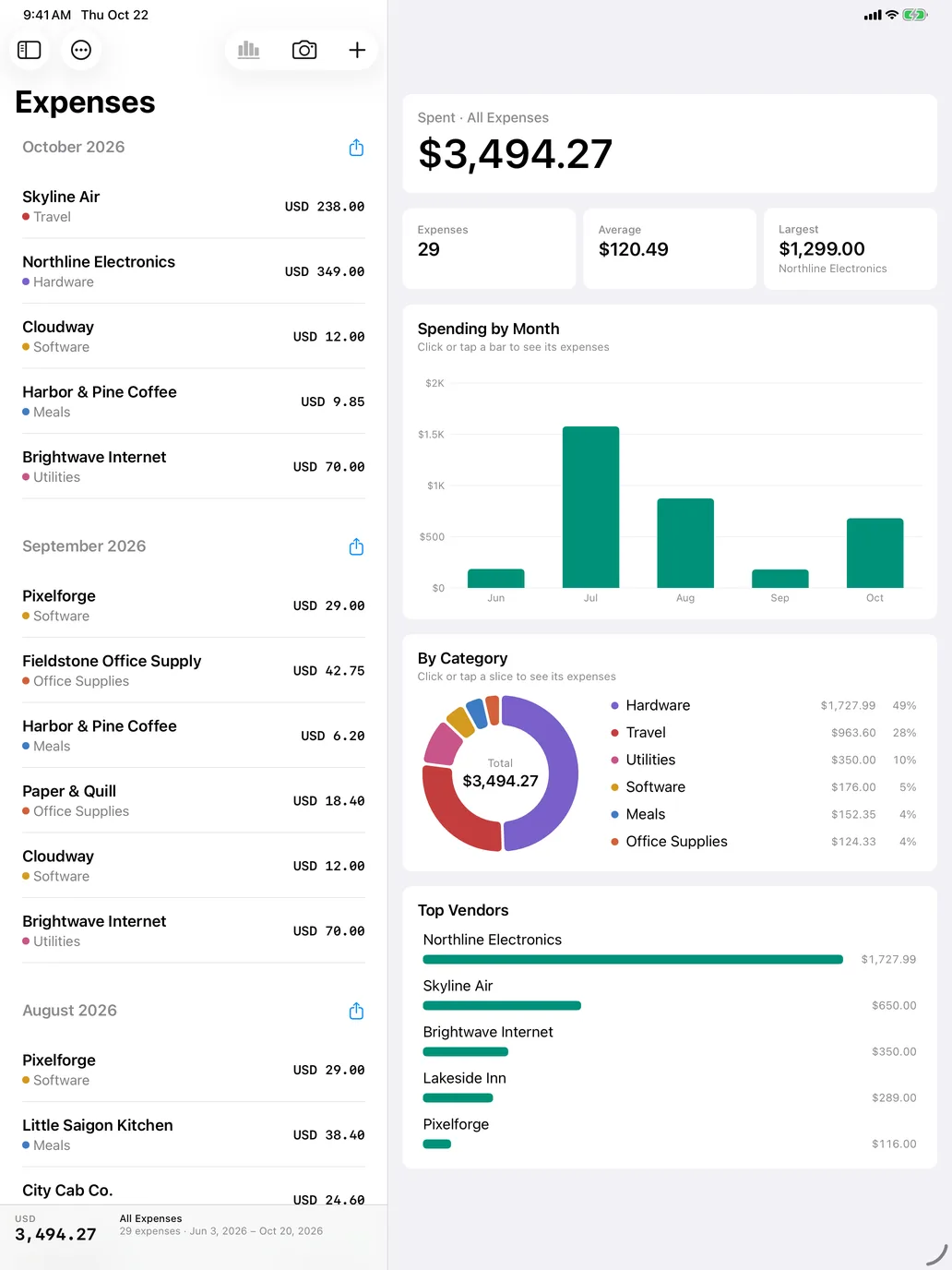
Pick a month, a category, a tag or a card, and the dashboard follows: the total, the trend, what it went on. Tap any bar or slice to see the receipts behind it. Try it.
Spending by month
Tap a bar to see its expenses
By category
Tap a slice or a row
The real thing, on iPhone. Sample data.

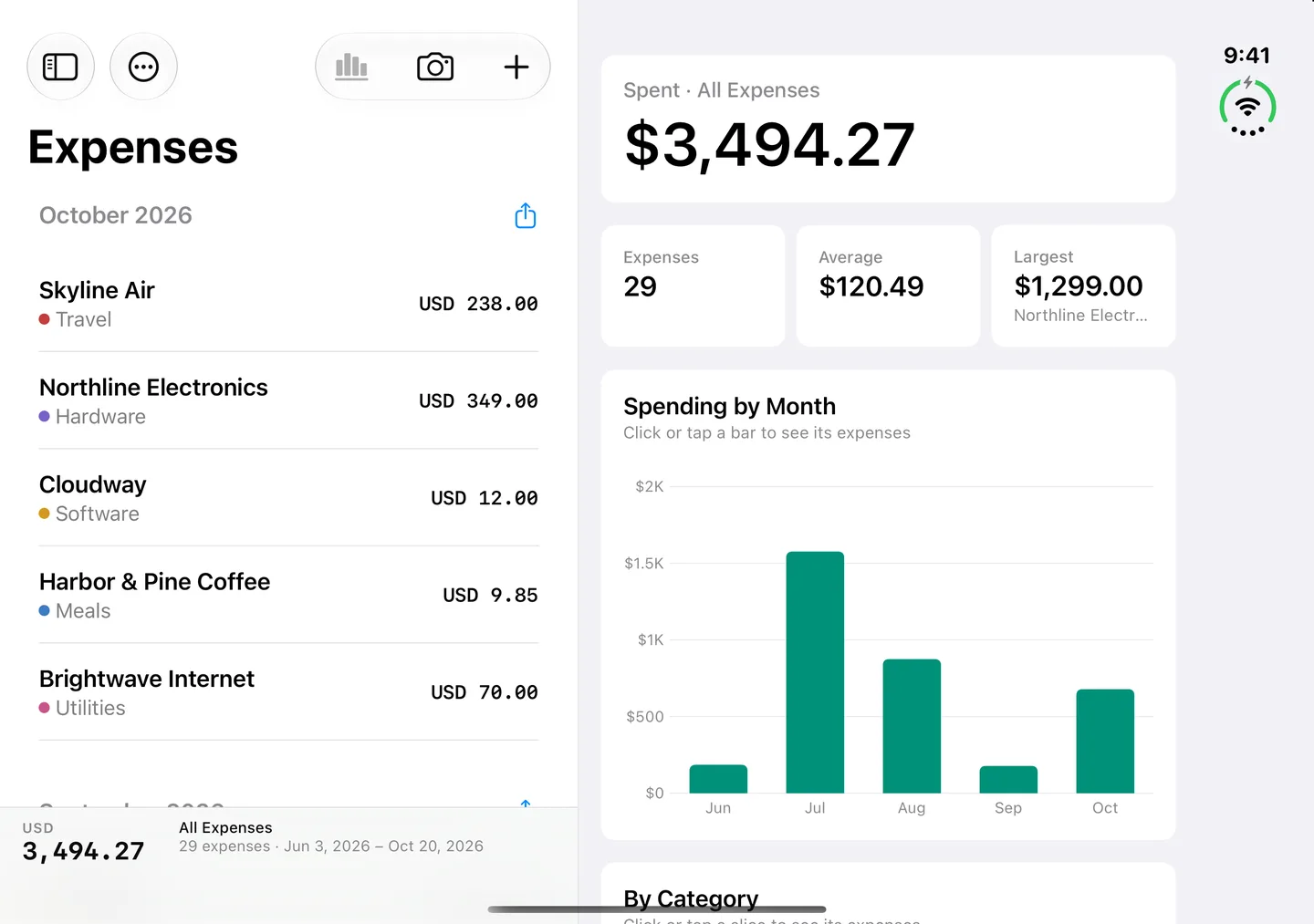
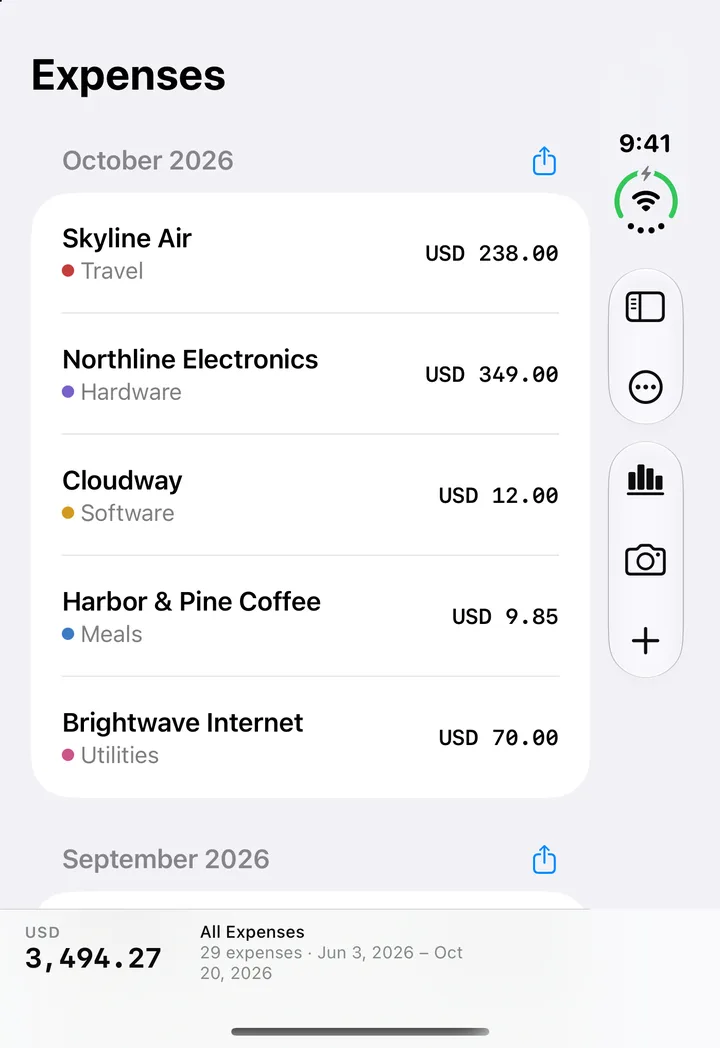
Ready for iPhone Duo
Fold it open, and your books open with it.
Closed, it's your list, one-handed. Open it, and the list sits beside the dashboard. Drag the phone or the slider to fold it yourself.
iPhone, iPad and Mac
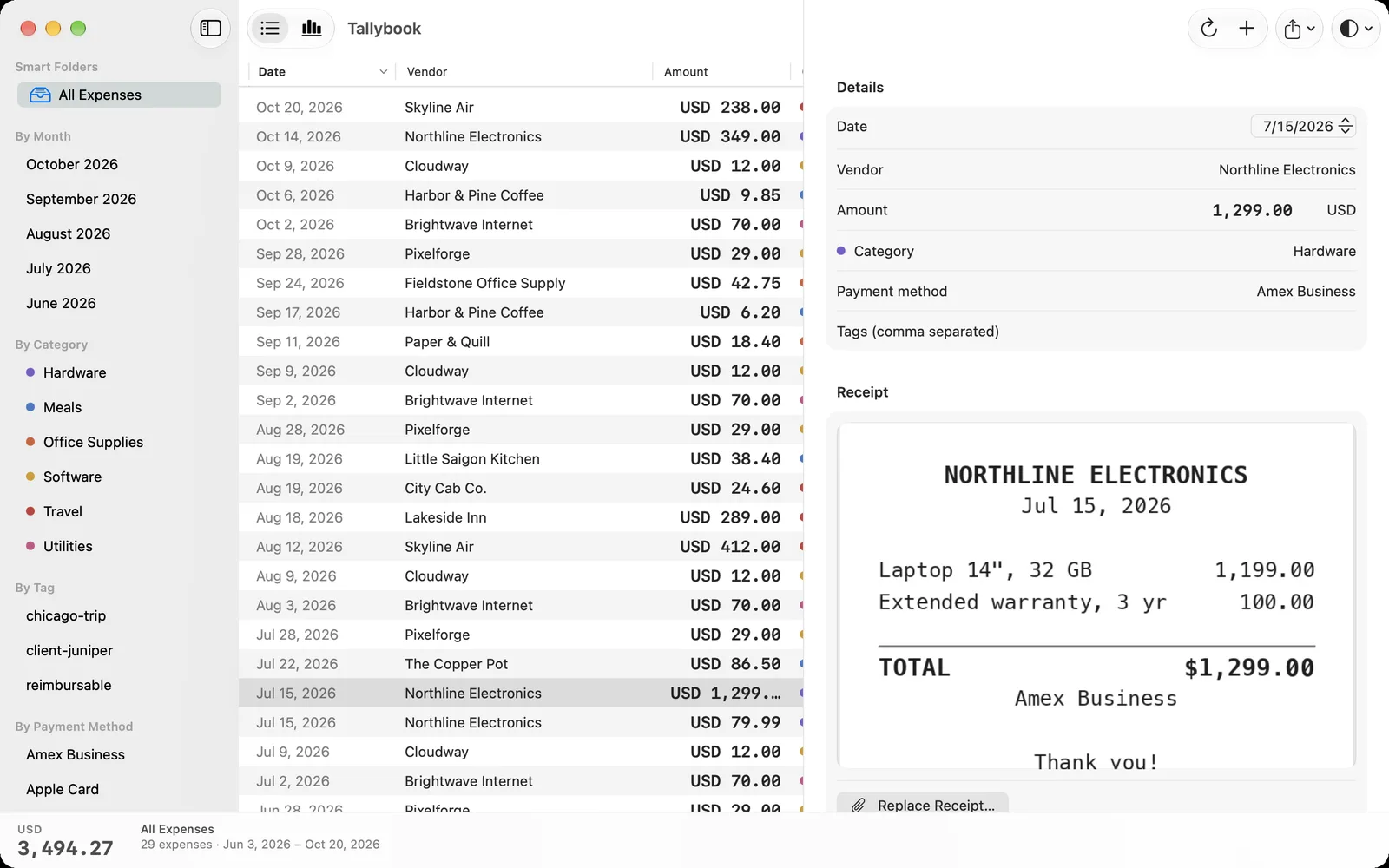
One folder. Every screen.
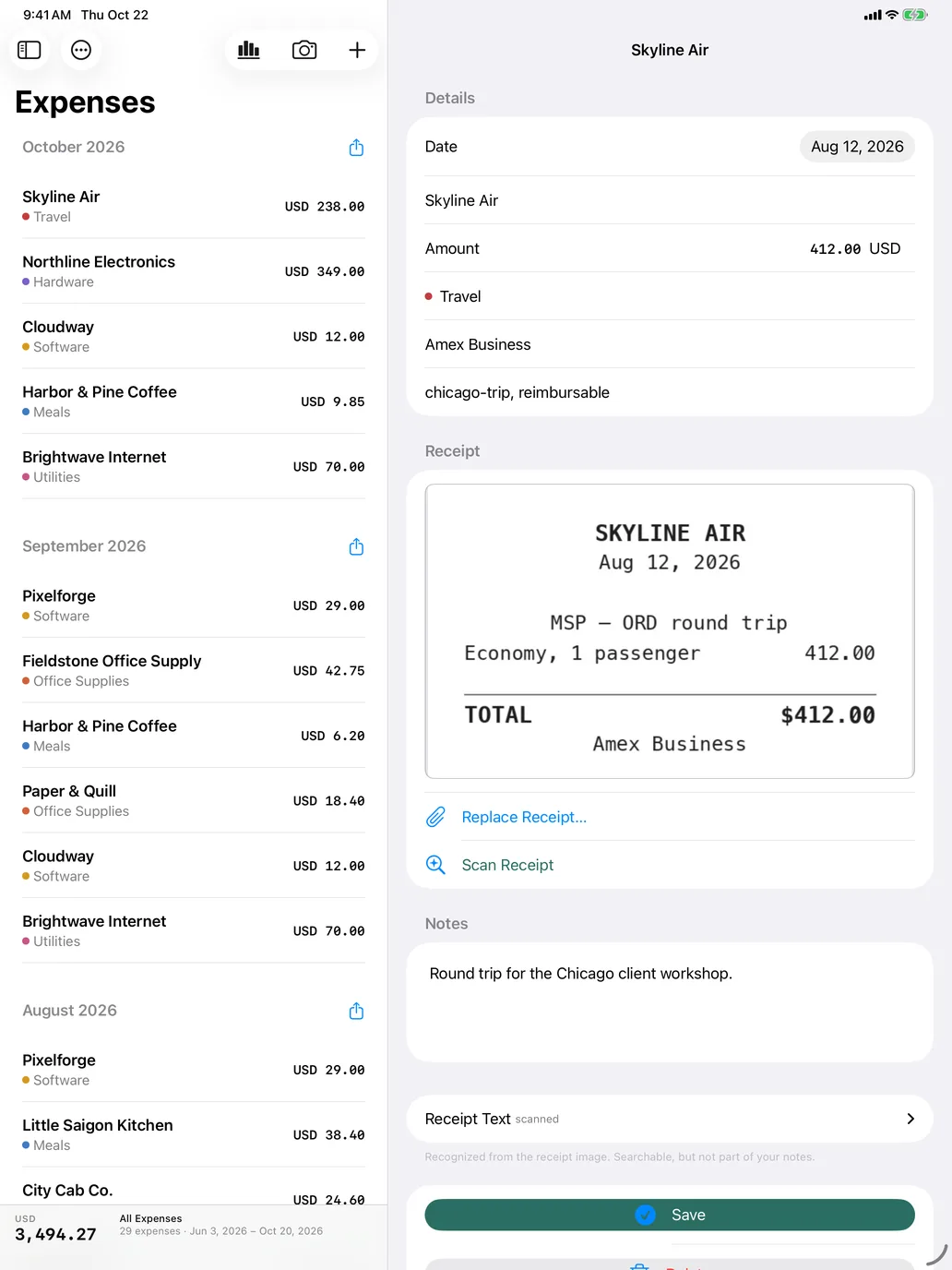
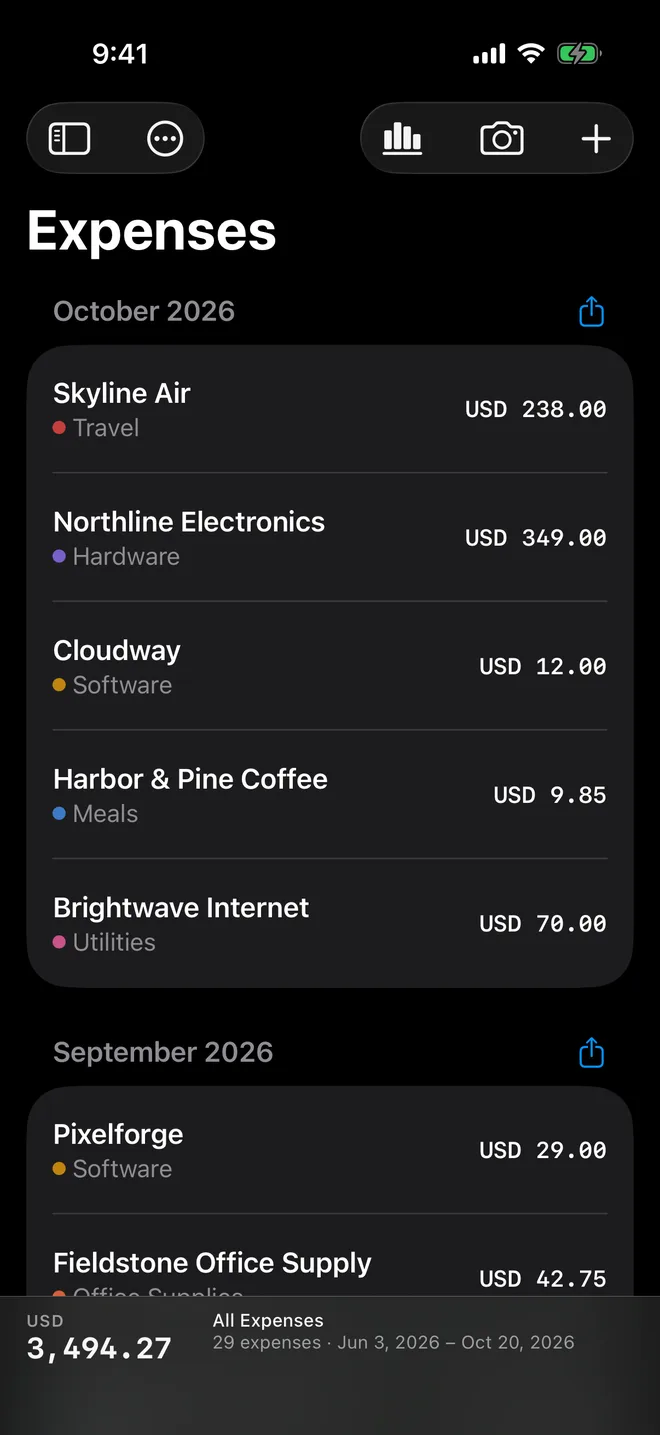
Your iCloud Drive keeps the same files on all your devices. On a Mac you get a proper table you can edit in place, right-click to show a file in Finder, and the receipt right beside it.
Take it with you
Hand your books to anyone.
Your accountant wants a spreadsheet. Your manager wants the trip receipts. Export whatever you're looking at as a CSV, with the tax in its own column, or zip up the files themselves, receipts and all. The name says what's inside.
Private by design
Your receipts are nobody else's business.
What you buy says a lot about you. Tallybook is built so it stays between you and your own devices. Not even typif.ai, the people who make Tallybook, can see it.
Coming soon for iPhone, iPad and Mac
Empty the shoebox for good.
Tallybook is nearly ready. Built for iPhone, iPad, iPhone Duo and Mac, with your receipts read on device and kept in plain files you own.