Memorized deck trainer for iPhone
Know every card by its number.
Ordinal drills a memorized stack until recall is instant — name a card, say its position; name a number, see the card. Eleven exercises, spaced review, and a perfect faro shuffle to check your work.
No account. No tracking. Works offline.
The drill
Eleven ways to ask where.
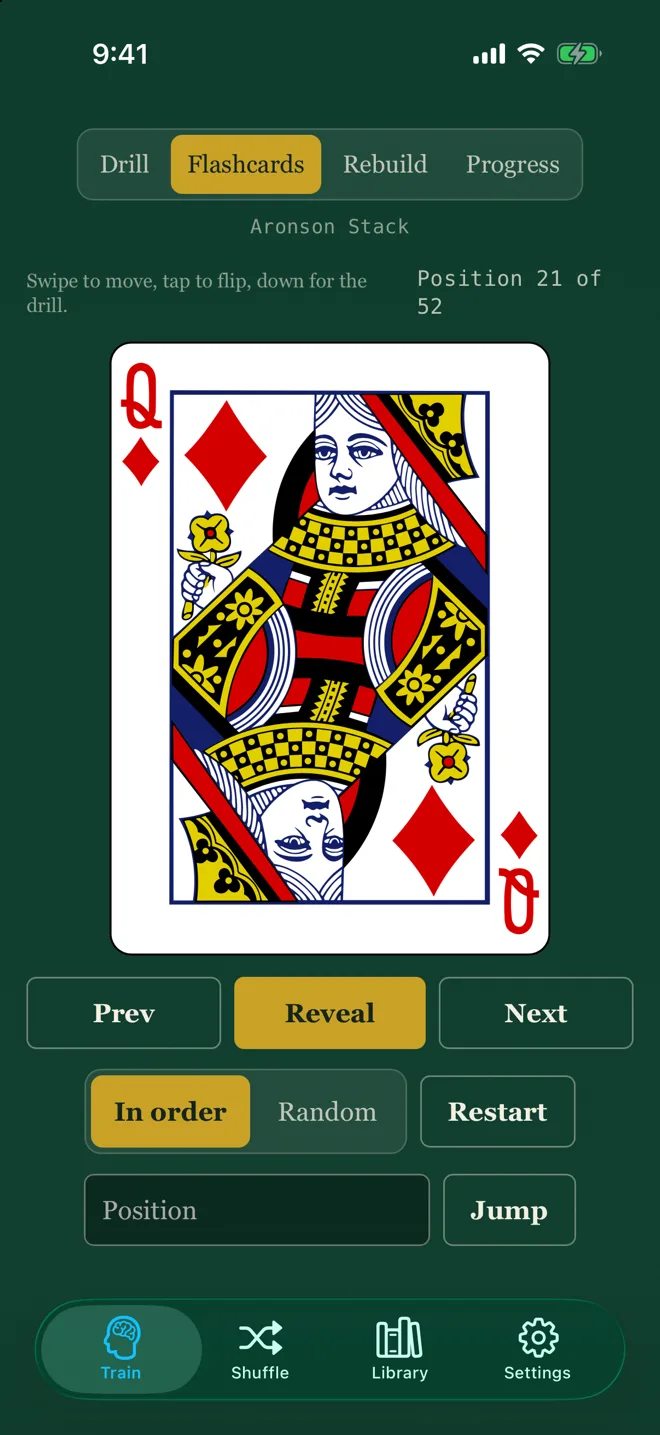
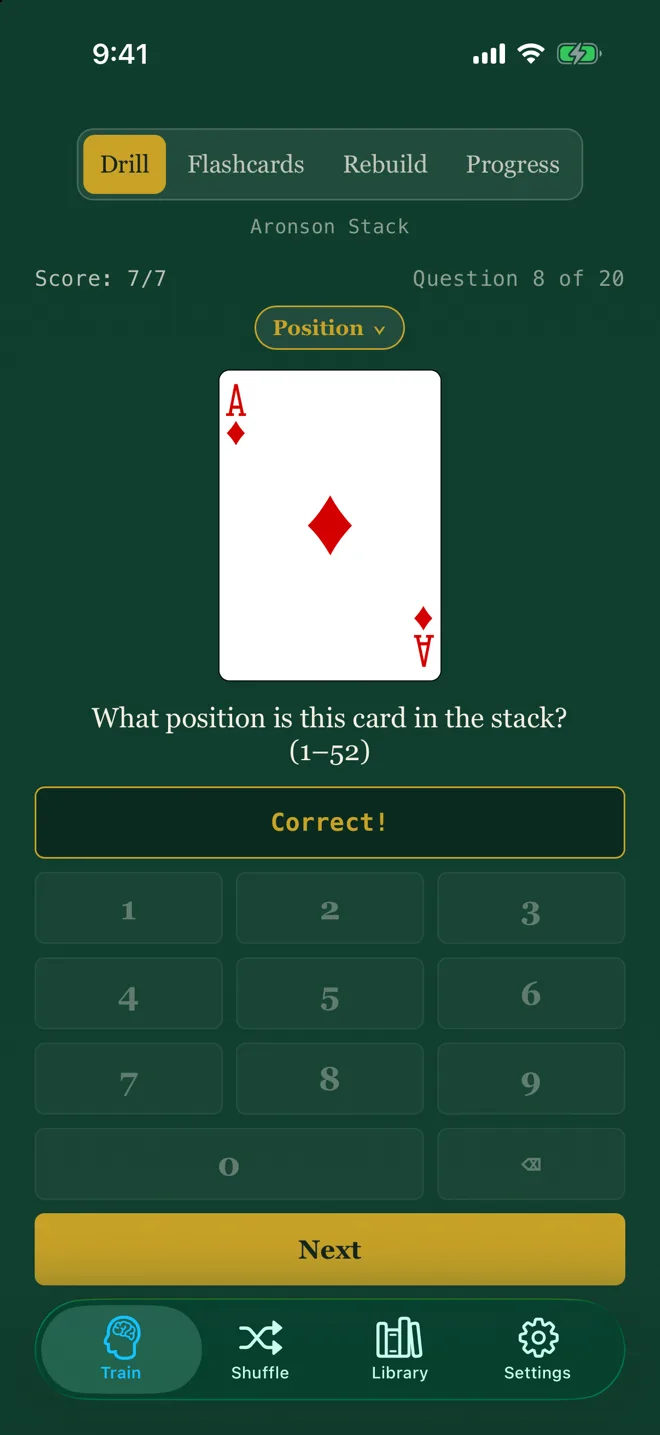
A drill is a session — ten, twenty or fifty-two questions, then your score, your speed and your best unbroken run. Answer on Ordinal's own card keypad, so nothing ever covers the card, or pick from four choices. Narrow any run to a quarter, a suit, your weakest ten, or whatever is due today.
Learning the order
- 01PositionCard to number, number to card. Where everyone starts.
- 02Next & previousThe card on either side — chained recall, the way a stack is used at the table.
- 03Four of a kindAll four positions of one rank.
Using the order
- 04ACAANAny card at any number: how many do you cut?
- 05Cut & glimpseOne look at the bottom card tells you where all fifty-two are.
- 06SpellingCut it to the top and spell it. Where does the last letter fall?
- 07DealingFour hands round the table. What is hand 2's third card?
- 08ShowdownDeal the hands and call what they hold — worked out from the order itself.
Faro work
- 09After the faroWhere does this card land after two out-faros?
- 10Binary controlElmsley's method: which ins and outs send the top card to 20?
- 11Faro ACAANThe trick, not the method: the right cut and the right weaves.
Flashcards & Rebuild
Flip it. Then put it back.
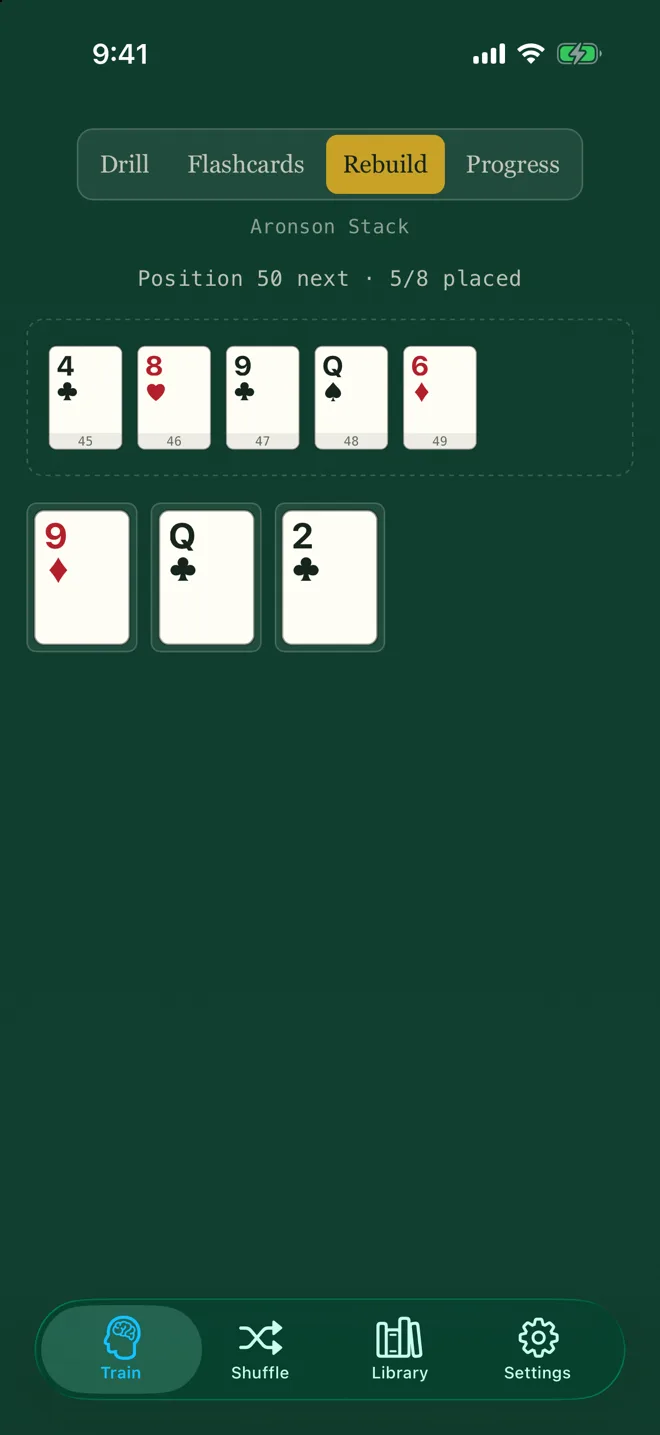
Flashcards go through the stack one card at a time, full screen — swipe to move, tap to flip. Rebuild hands you a shuffled run and has you tap it back into order. A wrong tap places the right card anyway, so one gap never stalls the run; the miss is still counted.
- Your own mnemonics. Write an image for any card. It shows after you answer — never before, because before, it is the answer.
- Tap, don't drag. Same knowledge, no fiddly physics, and it works with VoiceOver.
Progress
It knows which cards you don't.
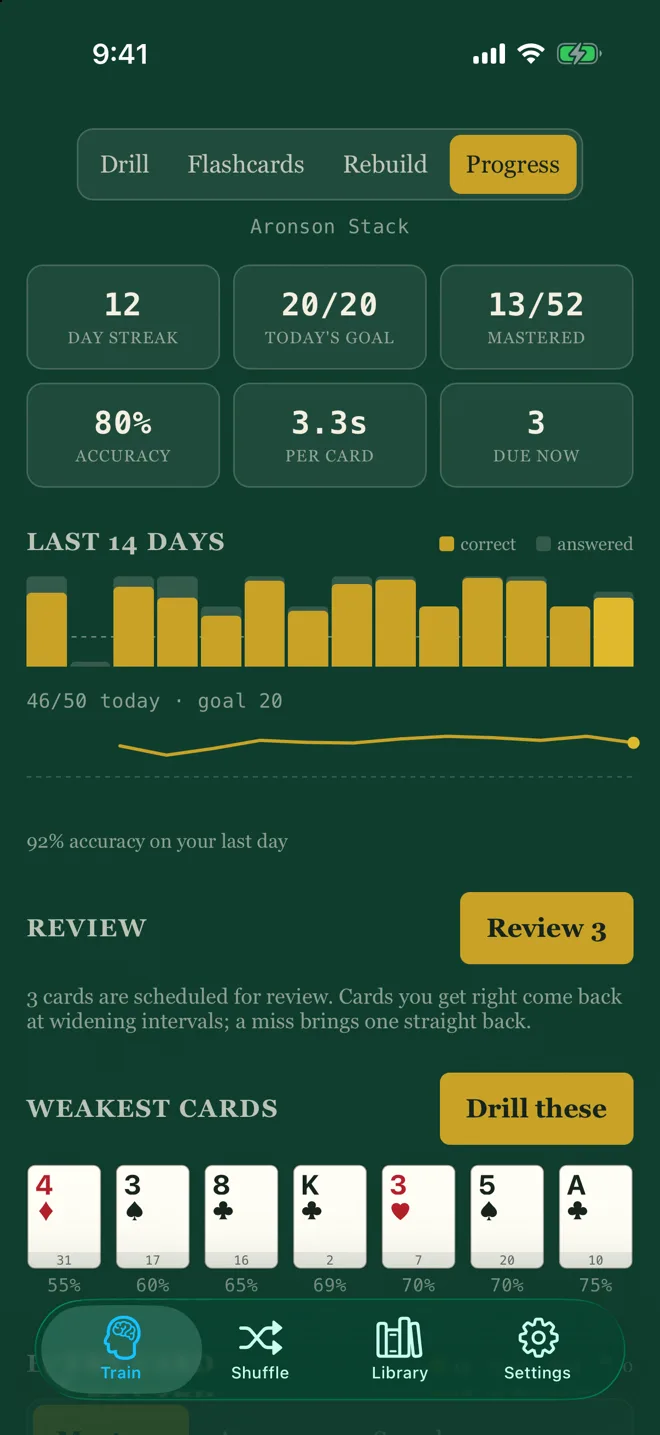
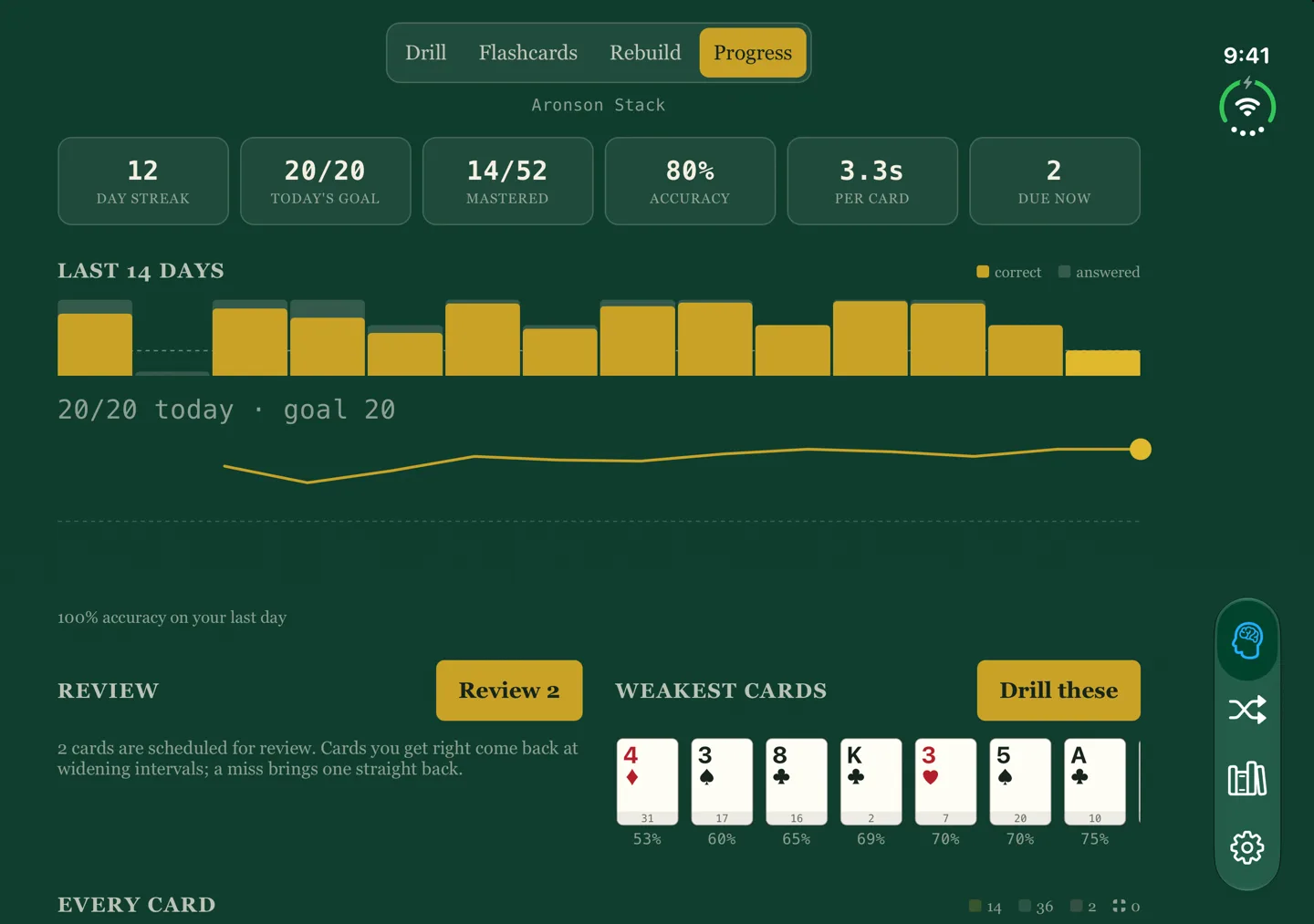
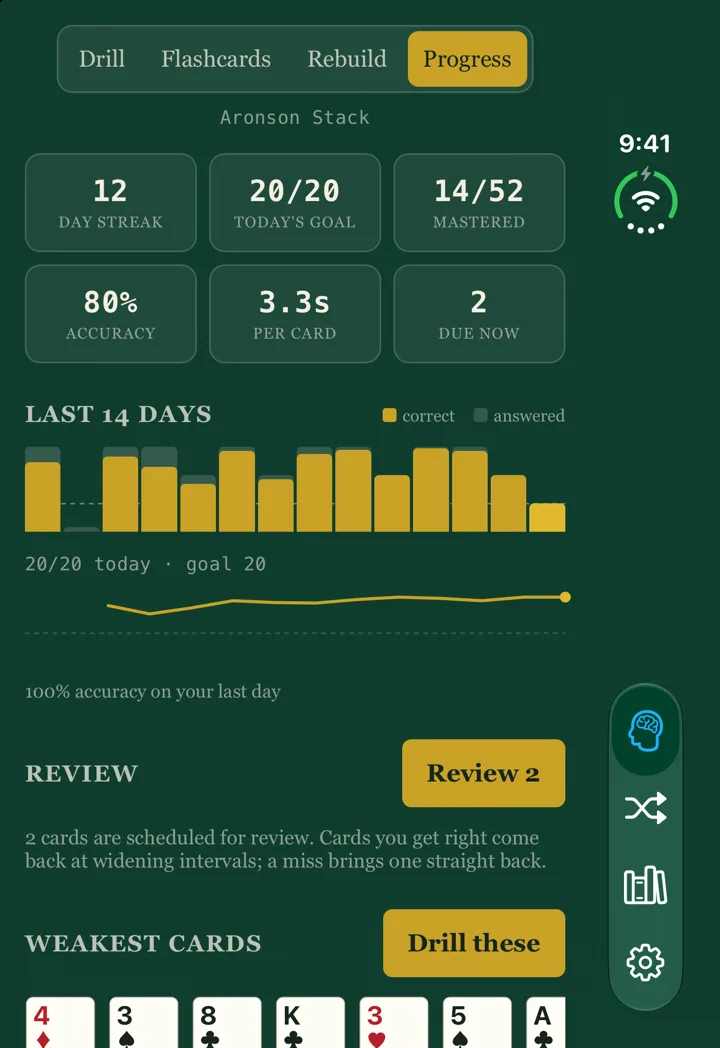
Every answer is scored and scheduled. Cards you get right come back at widening intervals; a miss brings one straight back. Progress shows your streak, today's goal, the cards due, your weakest ten — with a button that drills exactly those — and the whole deck coloured by how well you know it.
- Mastered means mastered: 90% accuracy over at least three attempts. Two lucky answers are not evidence.
- Only correct answers are timed. The clock on a miss measures giving up.
- Thirteen achievements, from First run to Clean deck and a thirty-day streak.
The faro simulator
The perfect weave, every time.
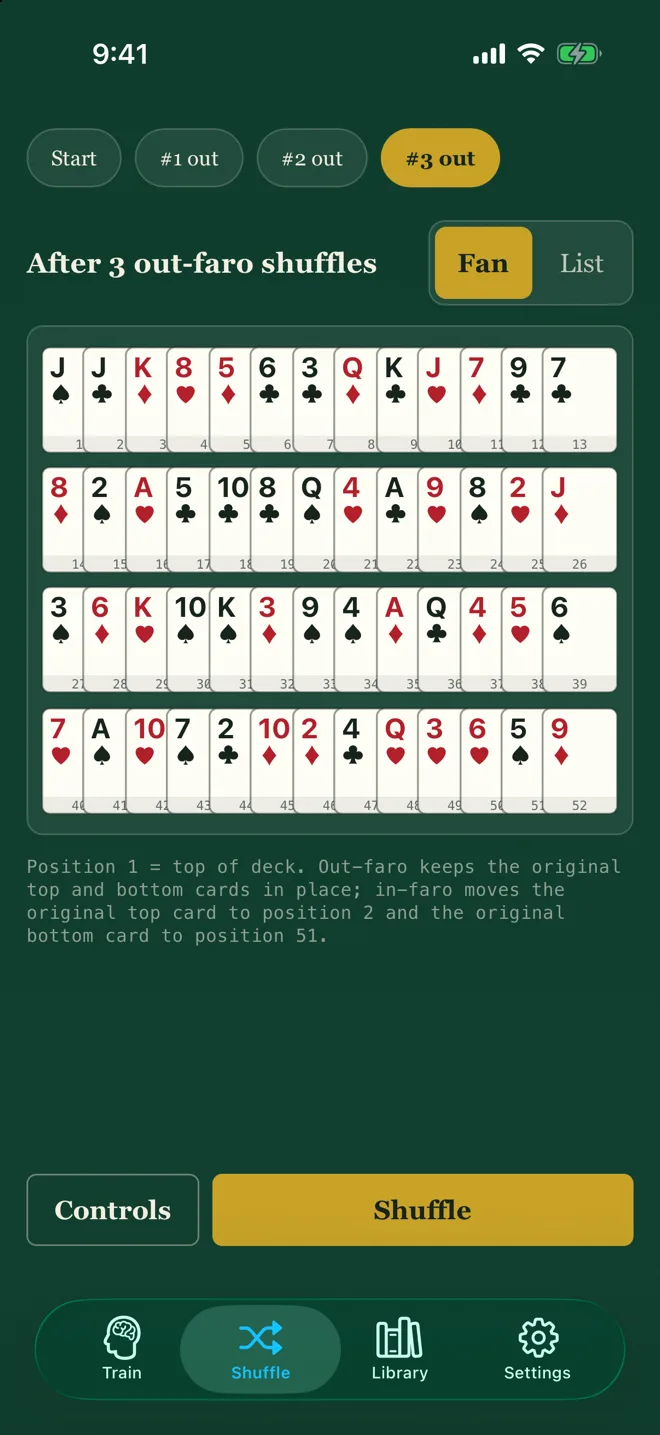
The Shuffle tab lays your stack out and weaves it — in-faros and out-faros, exactly. Step back through the history, cut any card to the top, find a card, or send one to a position and see Elmsley's in/out sequence before it runs.
Your stack
Bring the order you use.
One active stack drives everything — the trainer, the simulator and your statistics. Pick a named stack, or paste your own fifty-two cards; the parser tells you exactly what is wrong with a bad paste rather than saving something broken.
Some well-known stacks are missing on purpose. Where no reliable published order could be found, Ordinal ships nothing rather than a guess — a wrong order would teach you a wrong deck.
The Library
The history, sourced.
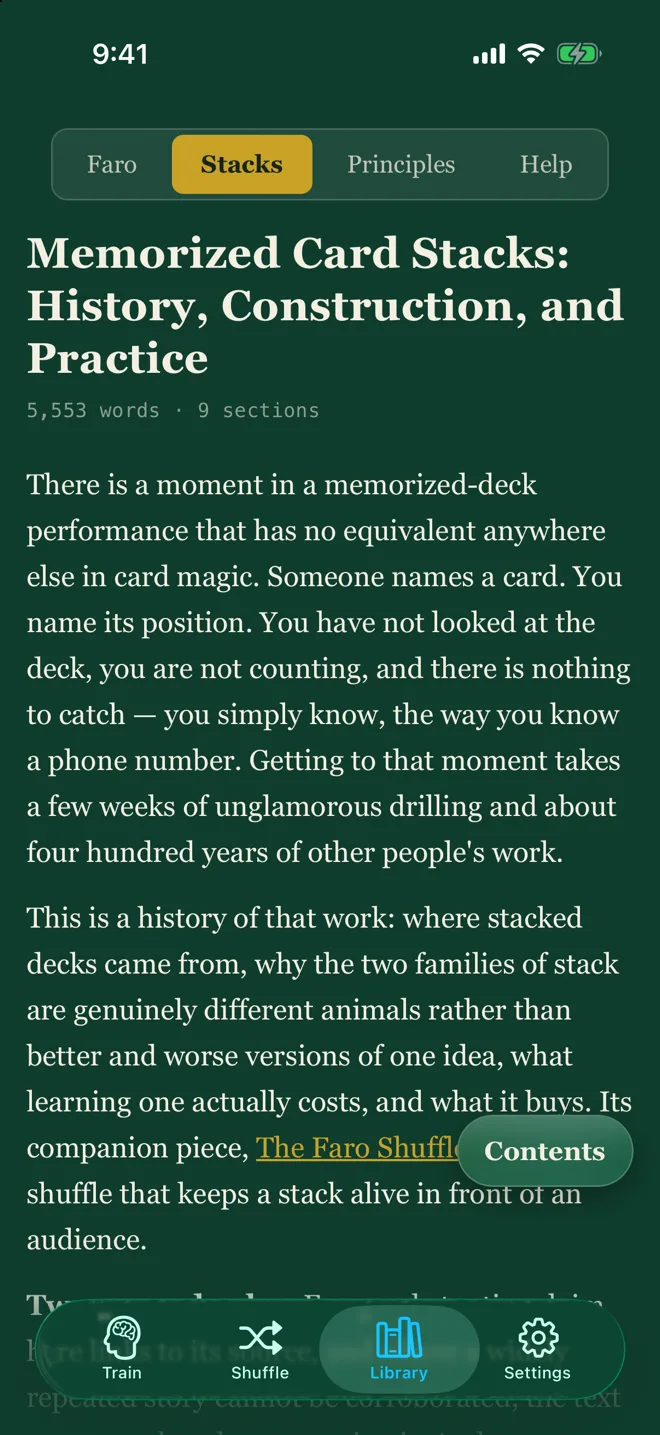
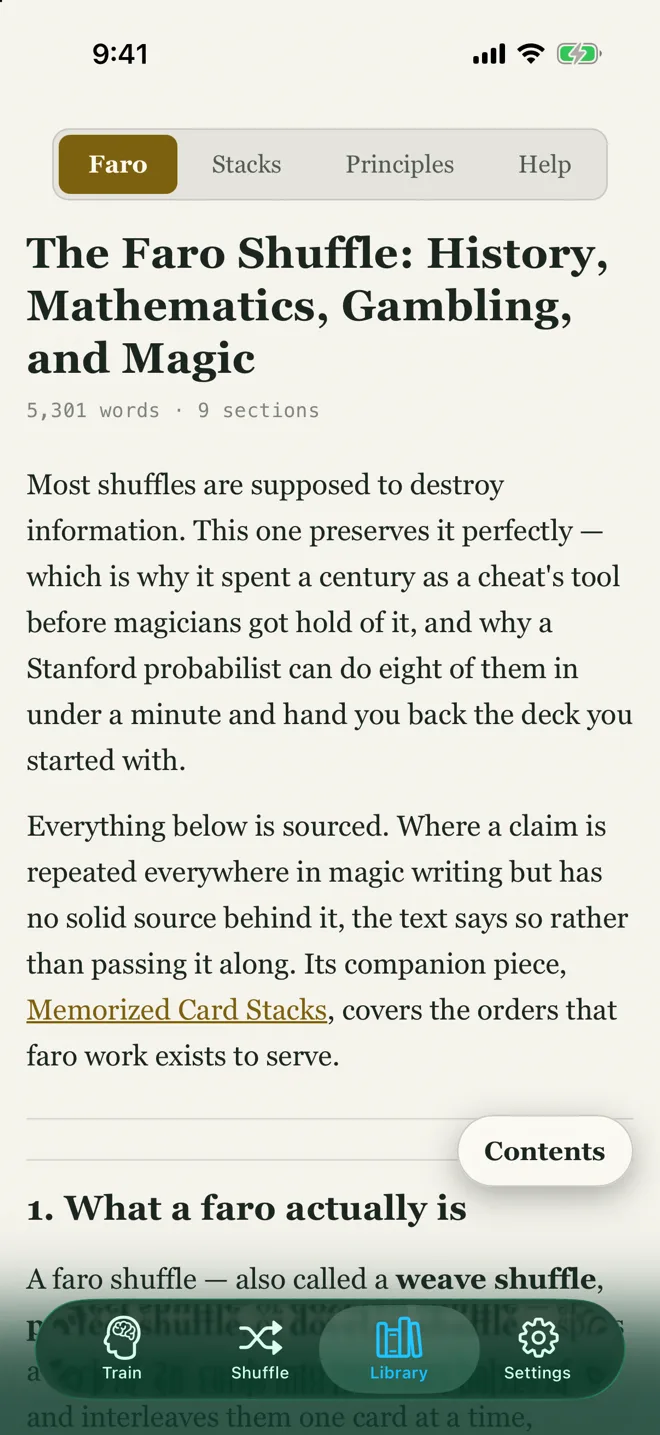
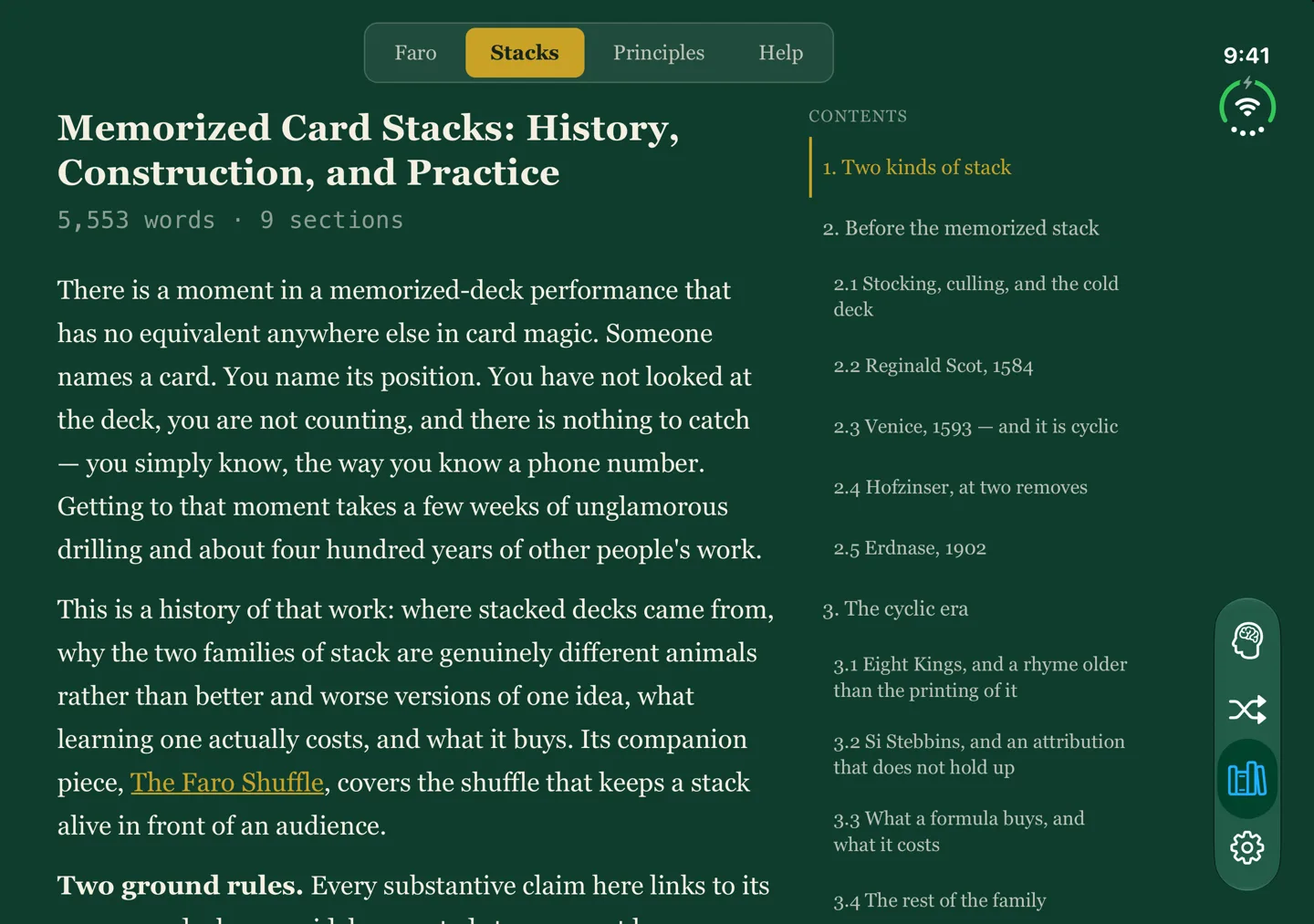
Three long-form articles ship inside the app and read offline: the faro shuffle, memorized stacks, and the principles that mix a deck while keeping something — Gilbreath, Elmsley's Penelope, Monge and more. Every claim links to its source, and where the record is uncertain the text says so.
- Felt or linen. The green is the default; a light linen theme is a choice, never switched by your phone's dark mode.
- Your history is yours. One backup file holds your stacks, statistics and mnemonics.
Ready for iPhone Duo
Fold it shut. Open a table.
Closed, Ordinal is a phone. Open it, and every screen spreads out — Progress becomes two columns, flashcards grow, and the Library opens its contents beside the page.
Private by design
Nothing you practise leaves your phone.
Ordinal has no account, no server and no analytics. On iPhone it makes no network requests at all. Your stacks, statistics and notes live on your device, and nowhere else.
FAQ
Questions, answered.
What is a memorized deck?
A deck in a known order, learned card by card, so you can name the card at any number and the number of any card. It looks like an ordinary shuffled deck, which is the point.
Which stacks does it know?
The Aronson Stack, Mnemonica, Si Stebbins, Eight Kings and New Deck Order — and any order you paste in yourself. Stacks without a reliable published order are left out rather than guessed.
Do I need to know a stack already?
No. Start with the Position exercise on the first quarter of the deck — the first run sets that up for you — and widen the range as the cards stick. Spaced review takes care of what to see next.
Does it need an internet connection?
No. Everything, including the card art and the Library, ships inside the app.
What does it need to run?
An iPhone on iOS 16 or later. On iPhone Duo it adapts to the cover screen and to both orientations of the inner display.
Can I move my statistics to a new phone?
Yes. Settings → Backup writes one file with your custom stacks, statistics, mnemonics and preferences. Restoring replaces what is on the device — it never merges two histories into numbers neither phone recorded.
What do you collect?
Nothing. Read the privacy policy.